As with all new shiny equipment, a newly installed router in your home requires a few things to be configured to properly secure it.
Goes without saying, that you should change your WiFi password the moment the technician leaves your home, but there are other things you’d need to configure in order to secure your router against common attacks.
Now remember, even if you follow all the advice on this post, there’s a strong chance that you’d still be hacked somewhere down the road–especially if you’re relying on a crappy consumer grade router, but taking these precautions raises your security level above the general population, giving you an edge over everybody else, and sometimes the difference between being hacked and staying safe could be one simple configuration on a router.
For this post, I’m going to use the standard Dlink 868L router that StarHub gave me when I signed-up for their 1Gbps package. While the post is specific, the general principles still apply to any router you own.
Step 1: Logon to the router
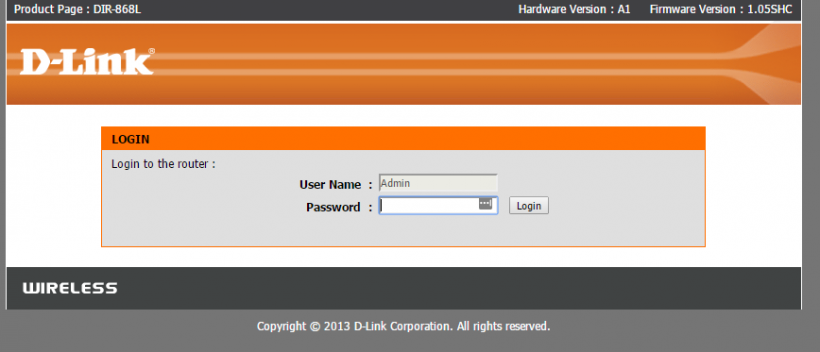
Goes without saying, all changes have to be made on the router itself. The good news is that all general purpose routers like the Dlink-868L come with a web interface, i.e. the router host a website on your network that you can use to change settings.Fire up a browser like Chrome or Firefox (God forbid you’re on Internet Explorer), and point the address bar to http://192.168.0.1 and you ‘should’ come to the router homepage (image below). If not, try the other possible addresses, like http://192.168.1.1 or http://10.1.1.1, if none of those work, you’ll need to go to your ipconfig on your local windows client to determine the ‘gateway’ ip address of your router.
Once there, you’ll see the following screen. For most StarHub customers, just logon with the admin user and leave the password field blank–as in don’t enter anything for the password.