One of a great things about Lambda functions is that you can't SSH into it.
This sounds like a drawback, but actually it's a great security benefit -- you can't hack what you can't access. Although it's rare to see SSH used as an entry path for attackers these days, it's not uncommon to see organizations lose SSH keys every once in a while. So cutting down SSH access does limit the attack surface of the lambda -- plus the fact, that the lambda doesn't exist on a 24/7 server helps reduce that even further.
Your support engineers might still want to log onto a **server**, but in todays serverless paradigm, this is unnecessary. After all, logs no longer exists in /var/logs they're on cloudwatch, and there is no need to change passwords or purge files because the lambdas recycle themselves after a while anyway. Leave those lambda functions alone will ya!
As a developer, you might want to see what is **in** the lambda function itself -- like what binaries are available (and their versions), or what libraries and environment variables are set. For this, it's far more effective to just log onto a lambci docker container -- Amazon work very closely with lambci to ensure their container matches what's available in a Lambda environment. Just run any of the following
docker run -ti lambci/lambda:build-python3.7 bashdocker run -ti lambci/lambda:build-python3.6 bash
Lambci provide a corresponding docker container for all AWS runtimes, they even provide a build image for each runtime, that comes prepackaged with tools like bash, gcc-c++, git and zip. This is the best way to explore a lambda function in interactive mode, and build lambda layers on.
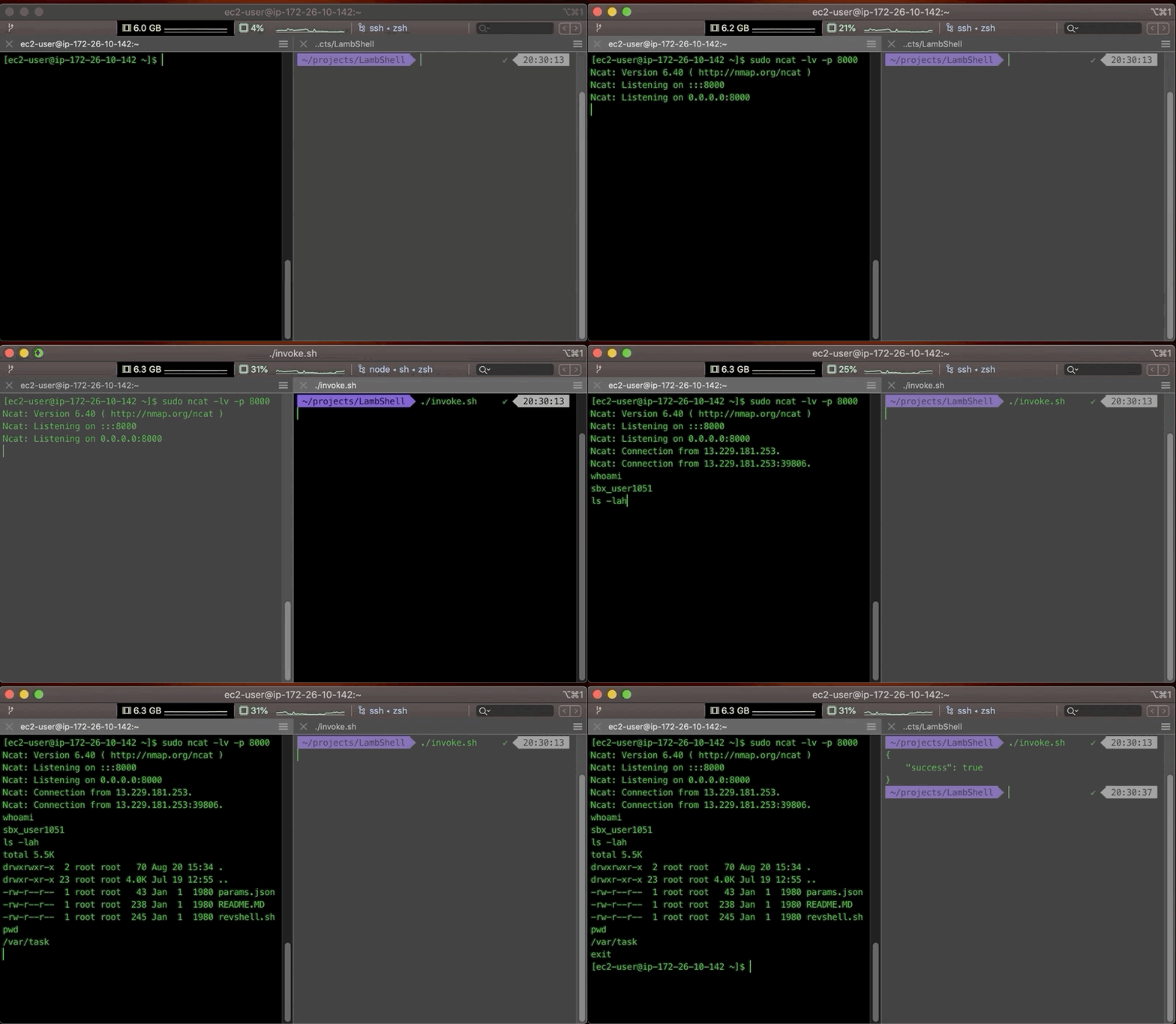
But sometimes you'll find yourself wanting to explore the actual lambda function you ran, like checking if the binary in the lambda layer was packaged correctly, or just seeing if a file was correctly downloaded into /tmp-- local deploy has it's limits, and that's what this post is for.